 Sentinel Core

Openslot is an open-source alternative to VarAC that talks to VarAC stations on the air. One program for Windows, Mac, Linux, iPhone, iPad and Android, working with the VARA modem or with XARA, the open-source VARA-compatible modem. Chat, VMail, CQ and beacons from whatever you have with you.
VarAC is a great way to chat over VARA, but it only runs on Windows. Openslot speaks the same protocol and runs on Windows too, as an open-source alternative with the XARA modem built in, so you can call a VarAC station from a Windows PC, a Linux shack computer, a MacBook or a phone and they see an ordinary VarAC contact. Every version shares the same core code, so a fix reaches every platform at once.
Chat, VMail, CQ calls, beacons, broadcasts, QSY, file transfer, pings and SNR reports, all interoperating with stations running VarAC.
Use the VARA modem you already run, on the same computer or anywhere on your network, or use XARA, the open-source VARA-compatible modem, built right into the Windows, Mac, iPhone and Android apps.
A full desktop app with a familiar VarAC-style layout, plus a terminal version. The Windows and Mac apps can run XARA themselves, and on a Mac no Windows machine is needed anywhere.
Native phone apps with Chat, Stations, VMail and Settings tabs, and the desktop's frequency picker and bandwidth buttons on the Chat screen. Plug in a USB audio interface and use the built-in XARA modem, or point the app at a VARA modem in the shack.
Hamlib rigctld or direct CAT, so band changes, the band scanner and QSY tune the radio for you.
Every QSO logged with ADIF export, an address book filled in from opening reports, heard stations and a built-in user guide.
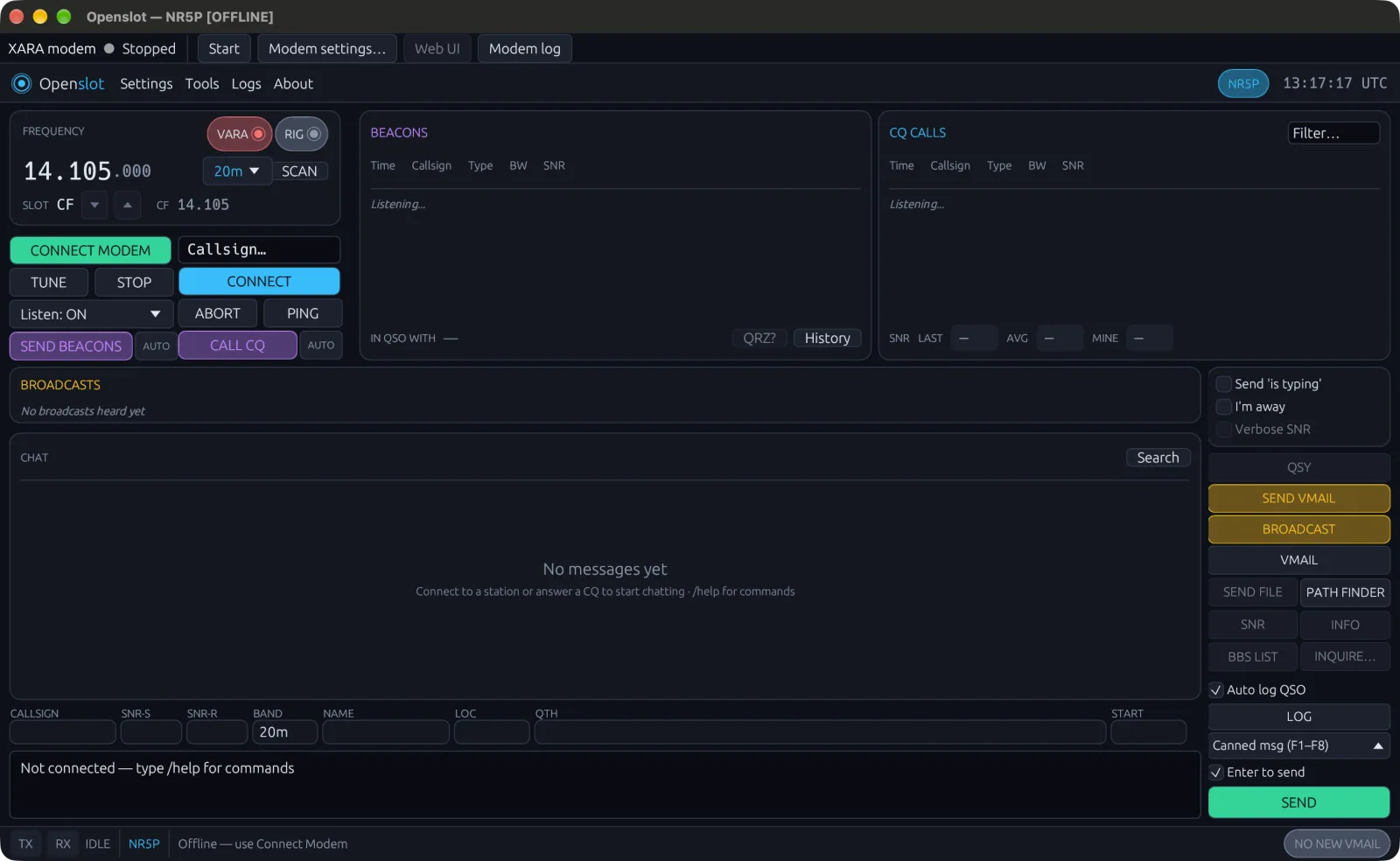

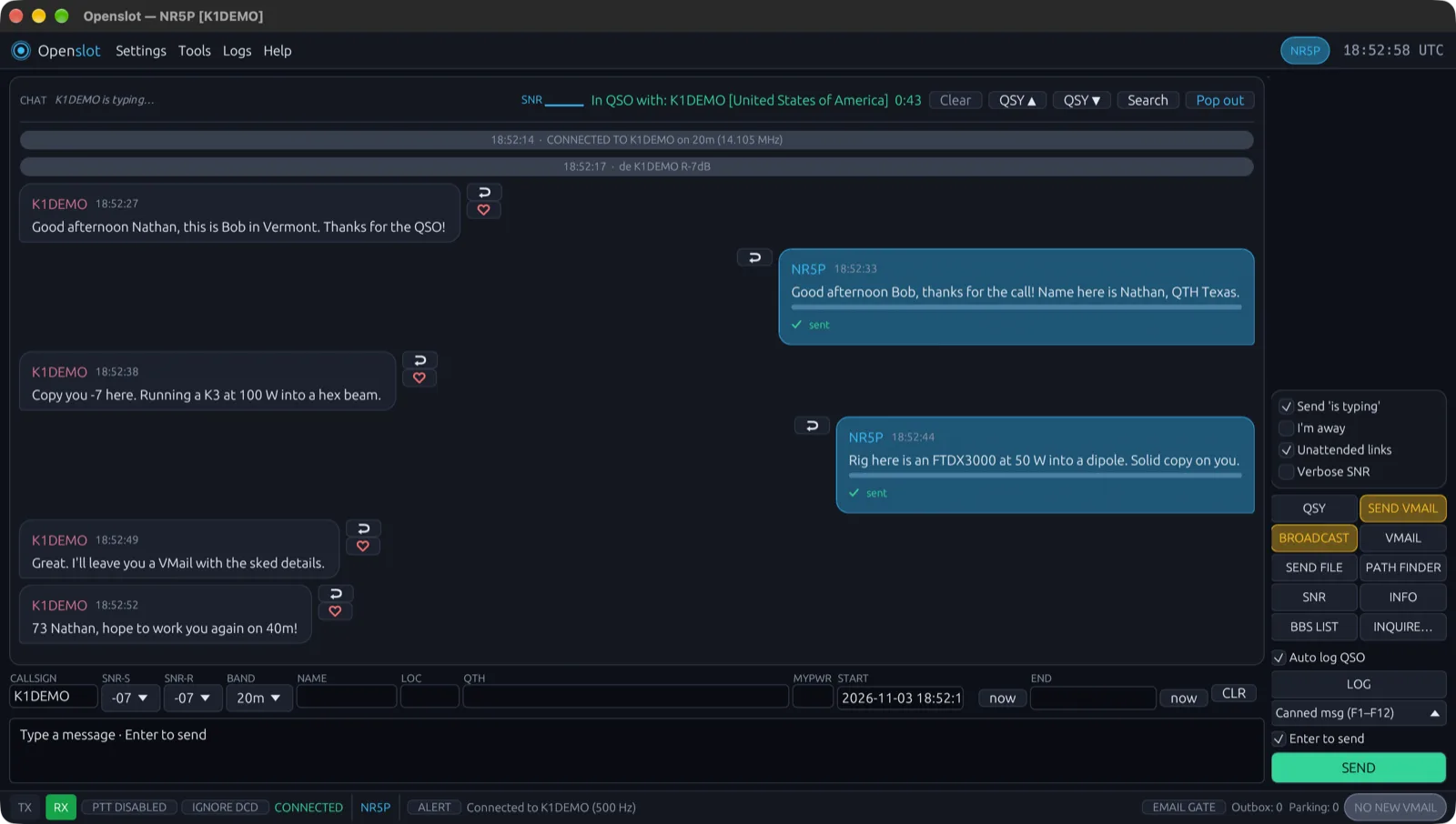
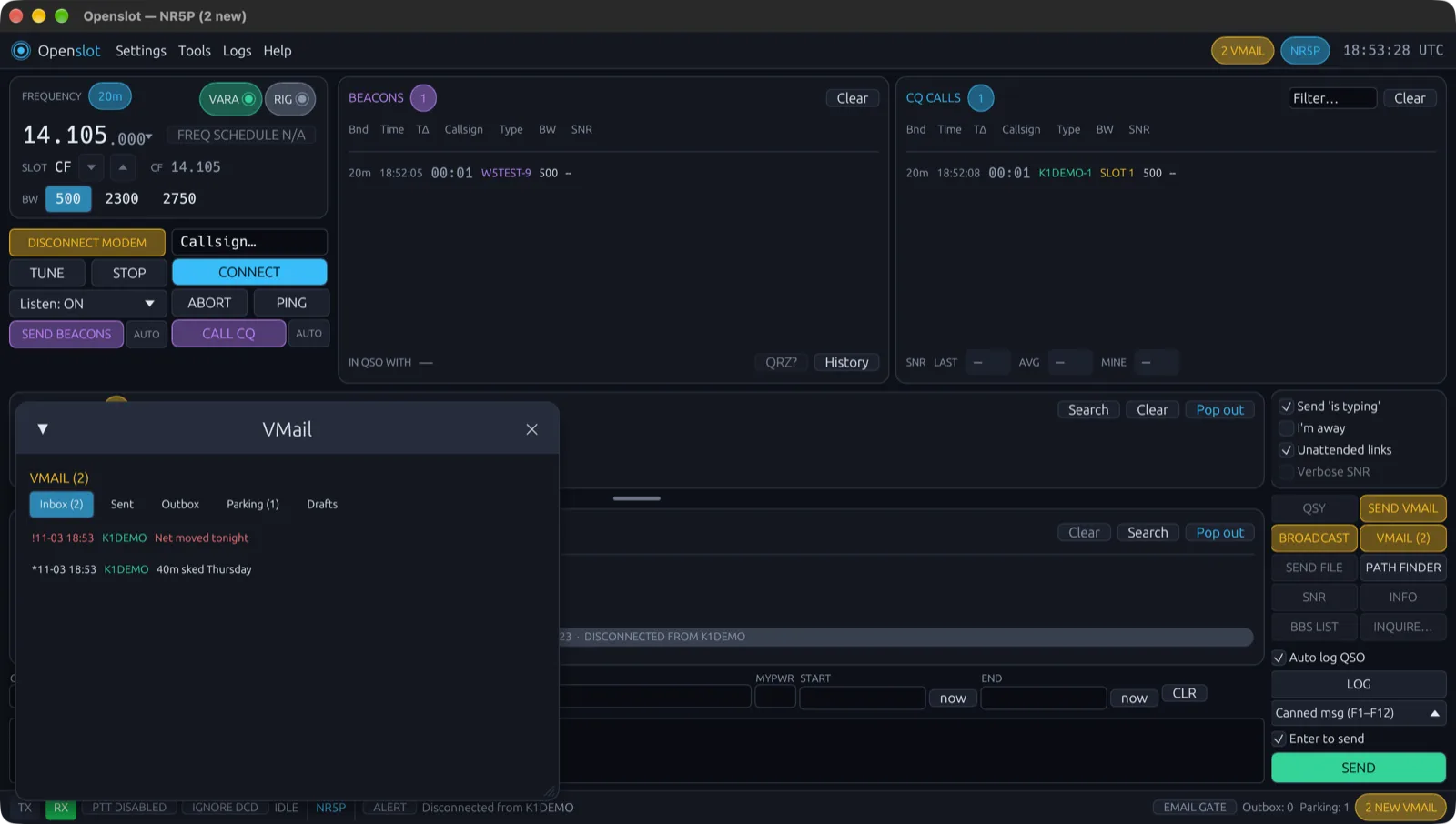
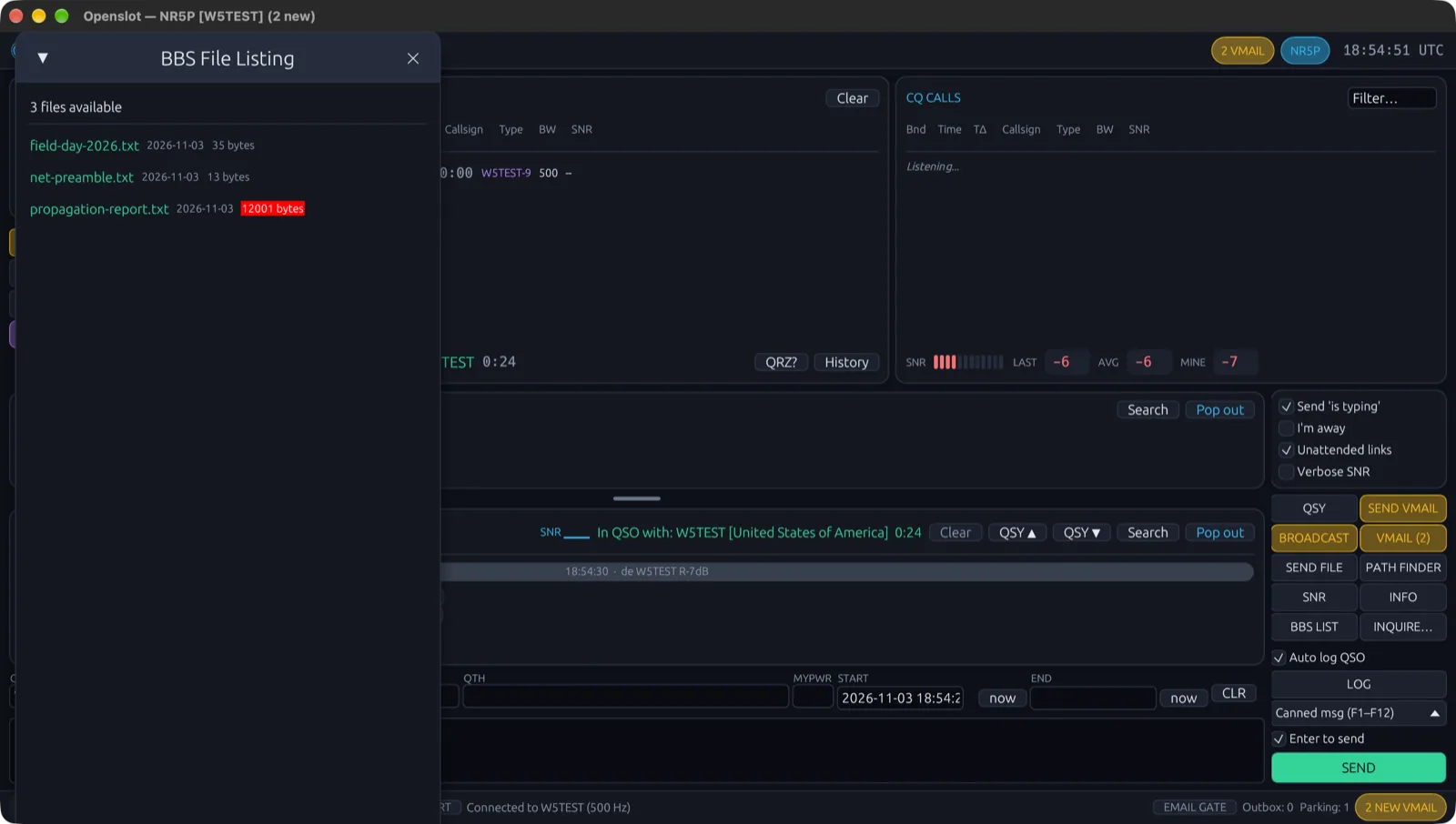
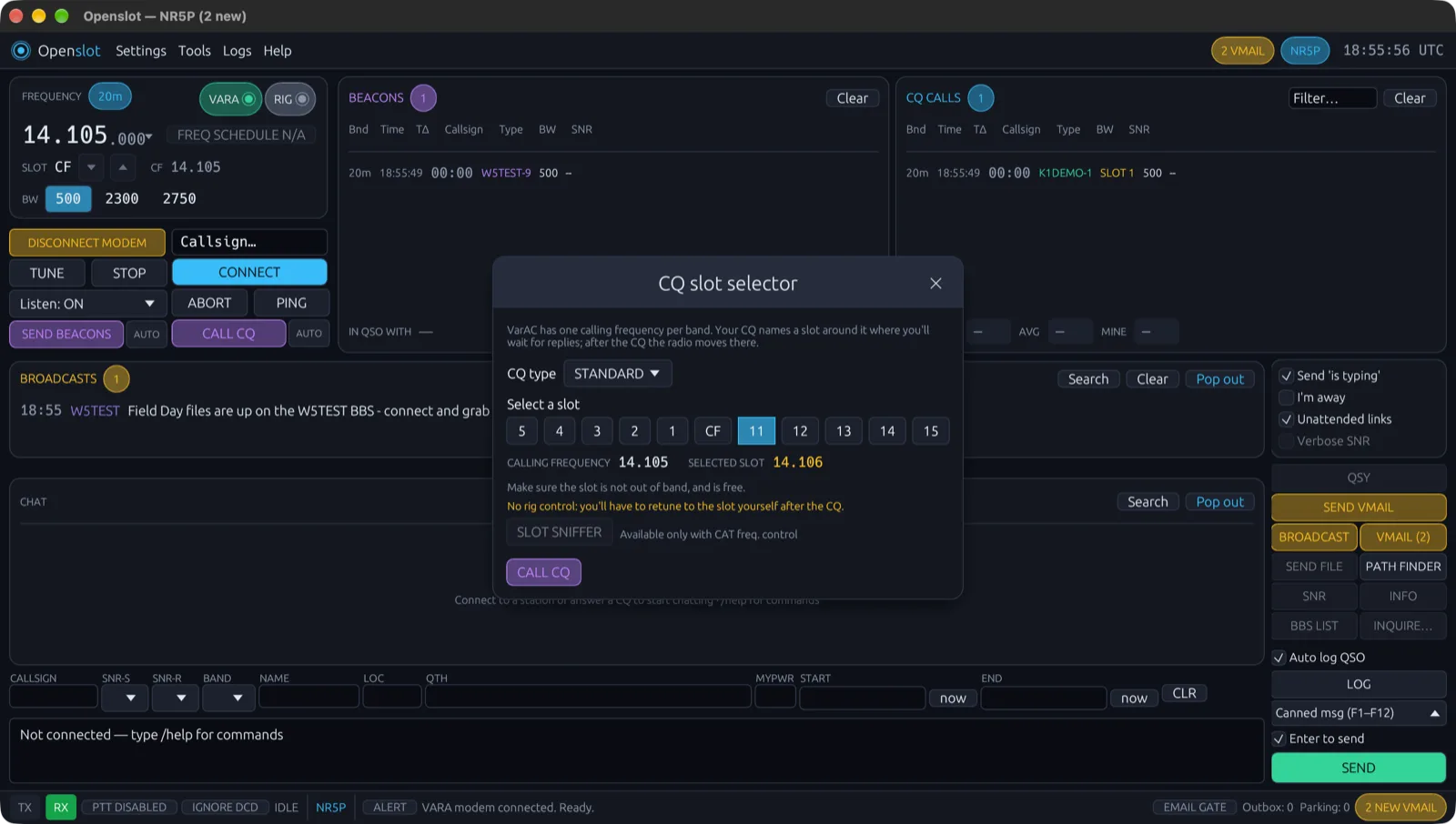
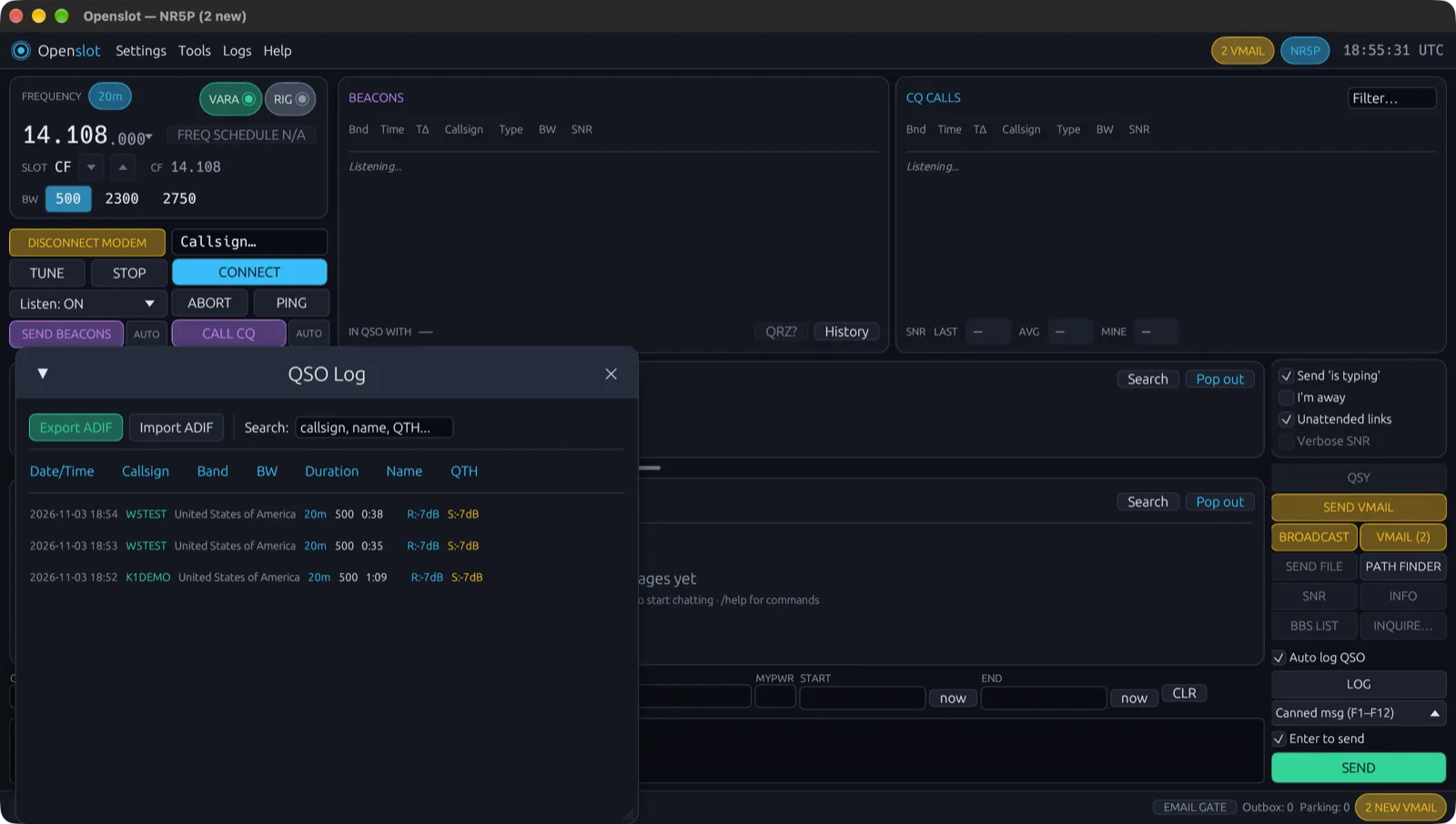
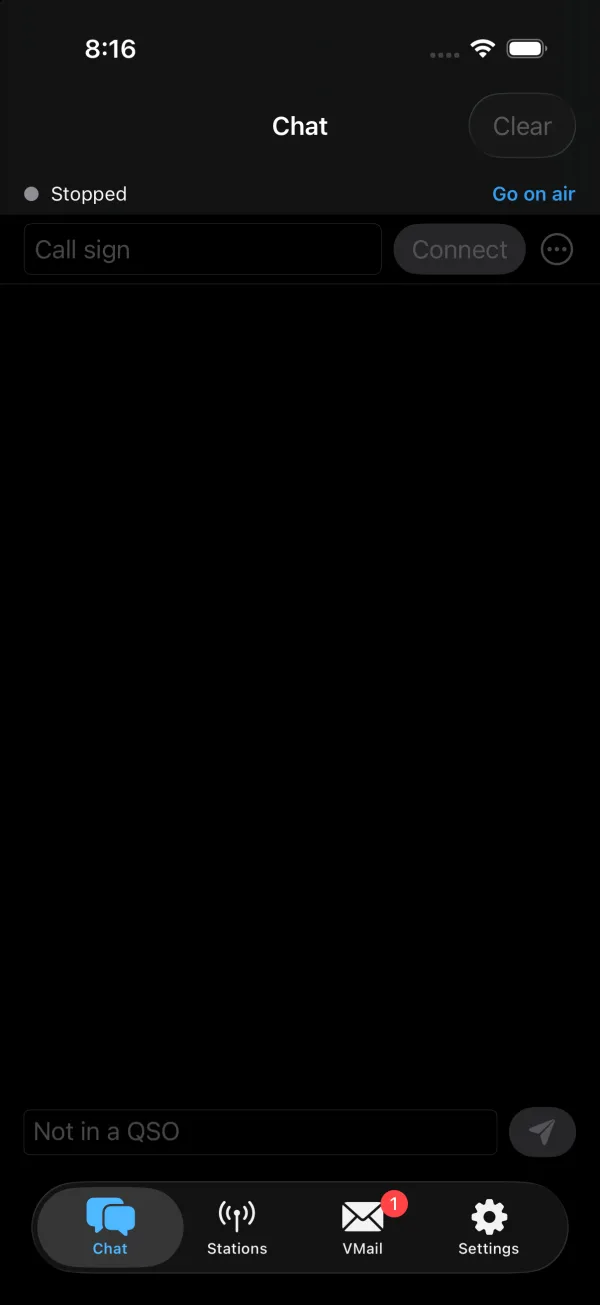
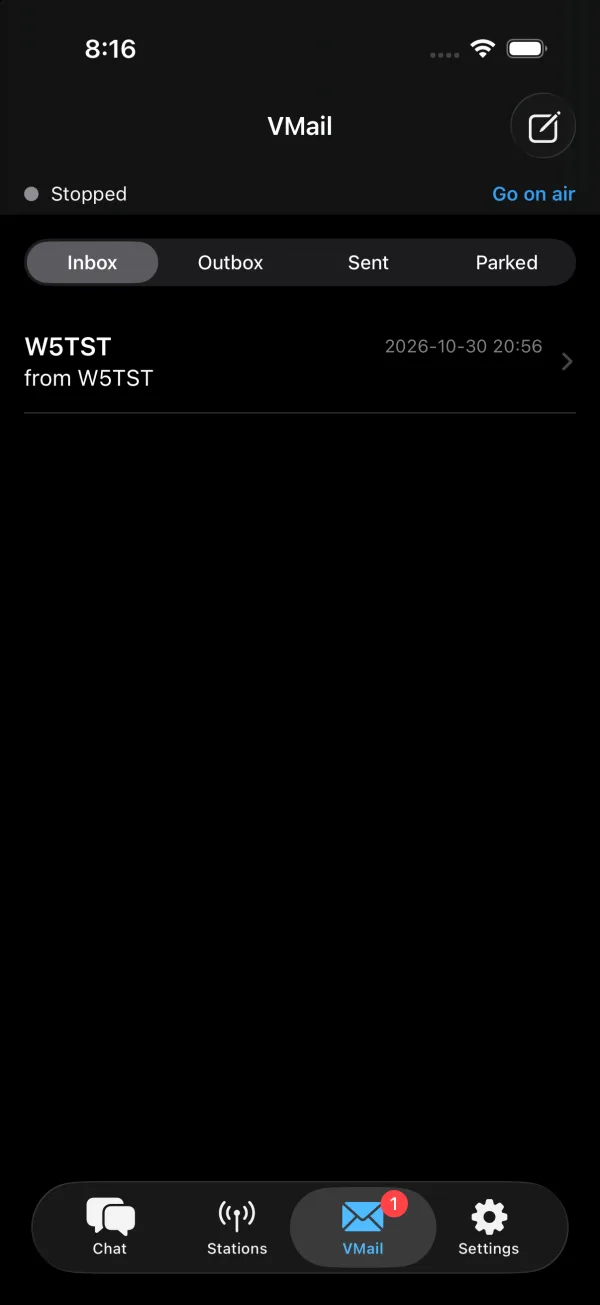
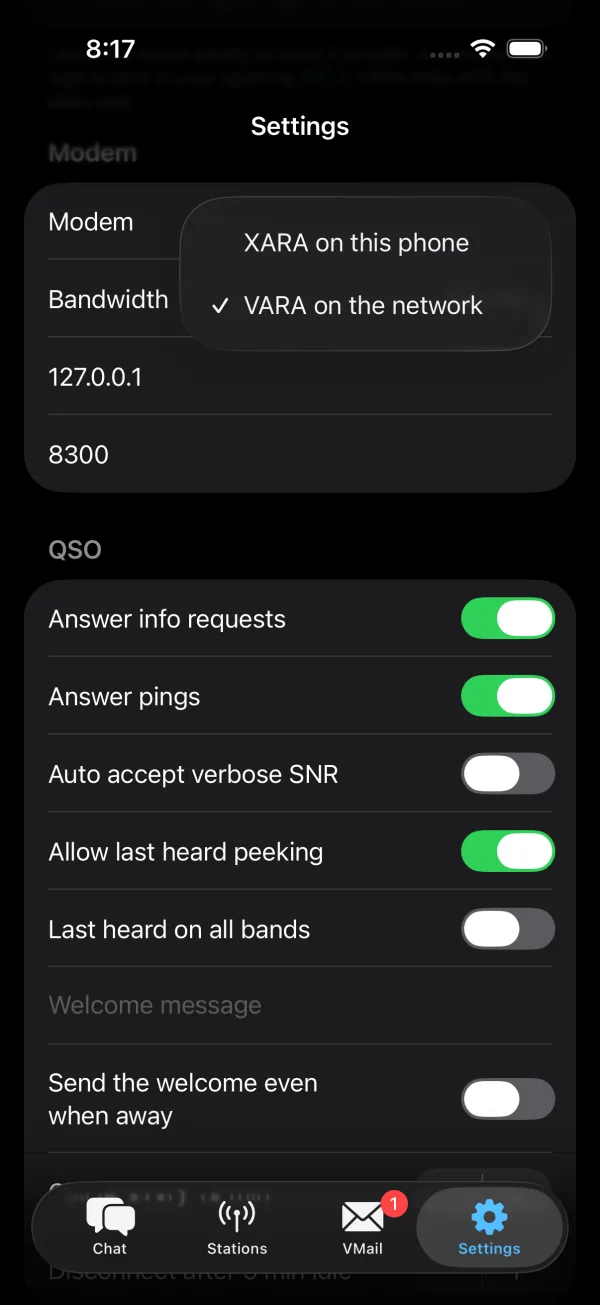
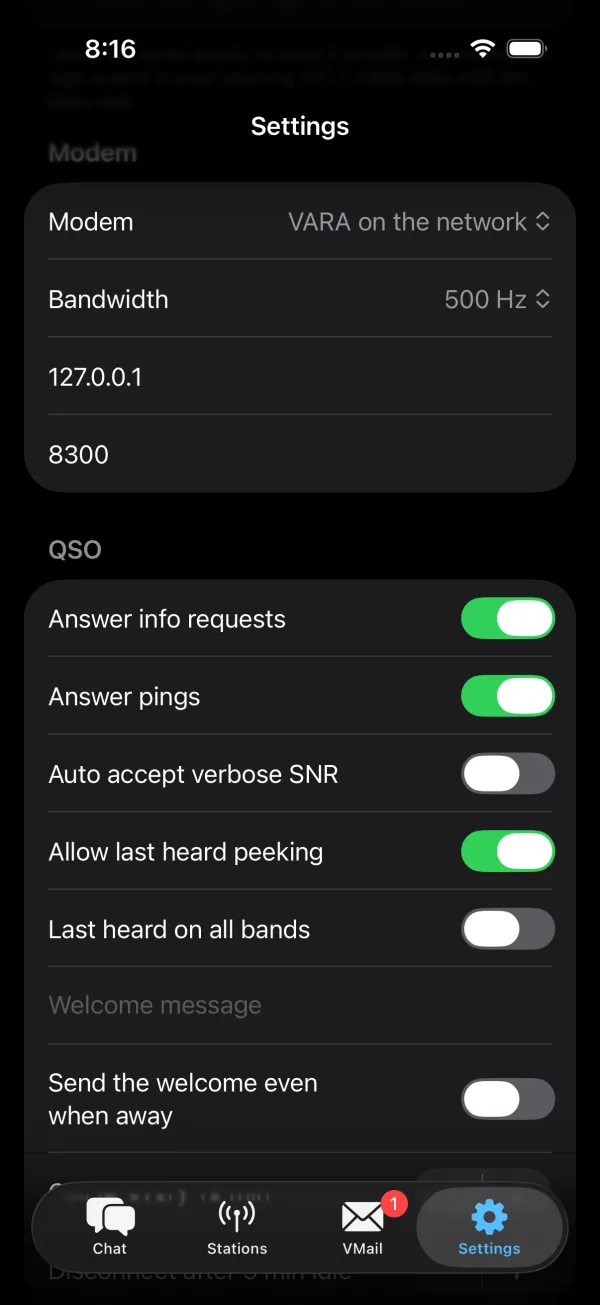
Screenshots from the Mac app and the iOS Simulator (October 2026), and from the desktop app linked to test stations (November 2026; the call signs other than NR5P are made up). The Android app looks much like the iPhone one.
Latest: Openslot v0.2.0 (testing)
In PowerShell:
cd $HOME\Downloads
Expand-Archive openslot-v0.2.0-windows-x86_64.zip -DestinationPath . -Force
.\openslot-v0.2.0-windows-x86_64\openslot.exe
On first launch it asks for your call sign. The XARA modem is built in, with a bar above the main window to start it and pick your audio devices; or leave it stopped and use VARA itself, which Openslot can start for you. Test builds aren’t signed yet, so if Windows SmartScreen warns, choose More info → Run anyway.
cd ~/Downloads
unzip -oq openslot-v0.2.0-macos-universal.zip
xattr -dr com.apple.quarantine Openslot.app   # test builds aren't signed yet
mv Openslot.app /Applications/
open /Applications/Openslot.app
On first launch it asks for your call sign. The first time the built-in XARA modem starts, macOS asks for microphone access: allow it, that's how XARA hears the radio.
tar xzf openslot-v0.2.0-linux-x86_64.tar.gz
cd openslot-v0.2.0-linux-x86_64
sudo usermod -aG dialout $USER   # serial port access for CAT, then log out and back in
./openslot
Openslot adds itself to your applications menu the first time it runs. Run ./openslot --tui for the terminal version. On Linux it uses a VARA or XARA modem over the network.
All of Openslot's code is on GitHub at github.com/NR5P/OpenSlot. Read it, build it yourself or report bugs. To build it on Linux:
sudo apt install build-essential pkg-config libudev-dev libxkbcommon-dev libwayland-dev libgl1-mesa-dev
git clone https://github.com/NR5P/OpenSlot.git && cd OpenSlot
cargo build --release
./target/release/openslot
Source code · README & setup · Release notes & checksums · Report a problem
Openslot is an independent program. It isn't VarAC and isn't affiliated with VarAC or its author. VARA is a trademark of its author; XARA is an independent, compatible modem by x0rro.
Support on PayPal Openslot is made in my spare time. If you find it useful, a tip helps keep it going.