 Sentinel Core
RigHelm is rig control for the Yaesu FTDX3000 on Windows, macOS and Linux. It owns the radio's CAT port and shares it with WSJT-X, your logger and anything else, on this computer or across your LAN.
VFO A/B, split, bands, modes, filters and DSP, keyer and voice memories, tuner, antennas, live meters, all 196 menu items with backup and restore, and a raw CAT console.
Virtual serial ports and a rigctld-compatible server, so WSJT-X, fldigi, flrig and your logger can all use the radio at once. Block TX per port for skimmers.
Run a second copy on another computer. It finds the radio, controls everything, plays the radio's audio and can send your microphone back. Transmit needs a password. Or use your phone: RigHelm for iPhone or RigHelm for Android.
A spectrogram of the receive audio with the passband and CW pitch overlaid. Hover for a signal's frequency; in CW, click a trace to zero-beat it.
Plug an RTL-SDR dongle into the radio's IF OUT or RX OUT jack for a spectrum and waterfall of the band up to 1.6 MHz wide. It follows the VFO, tunes with a click, pops out into its own window, and works over the LAN.
Finds the radio's USB CAT and keying ports and its USB sound card, and probes the baud rate on connect.
If a program or remote computer that keyed the radio disappears, the radio is un-keyed. Commands sent while disconnected are thrown away, not replayed.
One click switches between the radio's own mic and this computer's, at the station or over the LAN. Hold the space bar to transmit, let go to stop.
A RADIO KEY / COMPUTER KEY switch: key the radio from the touchpad, mouse or keyboard, as a straight key or iambic paddles, or send typed text.

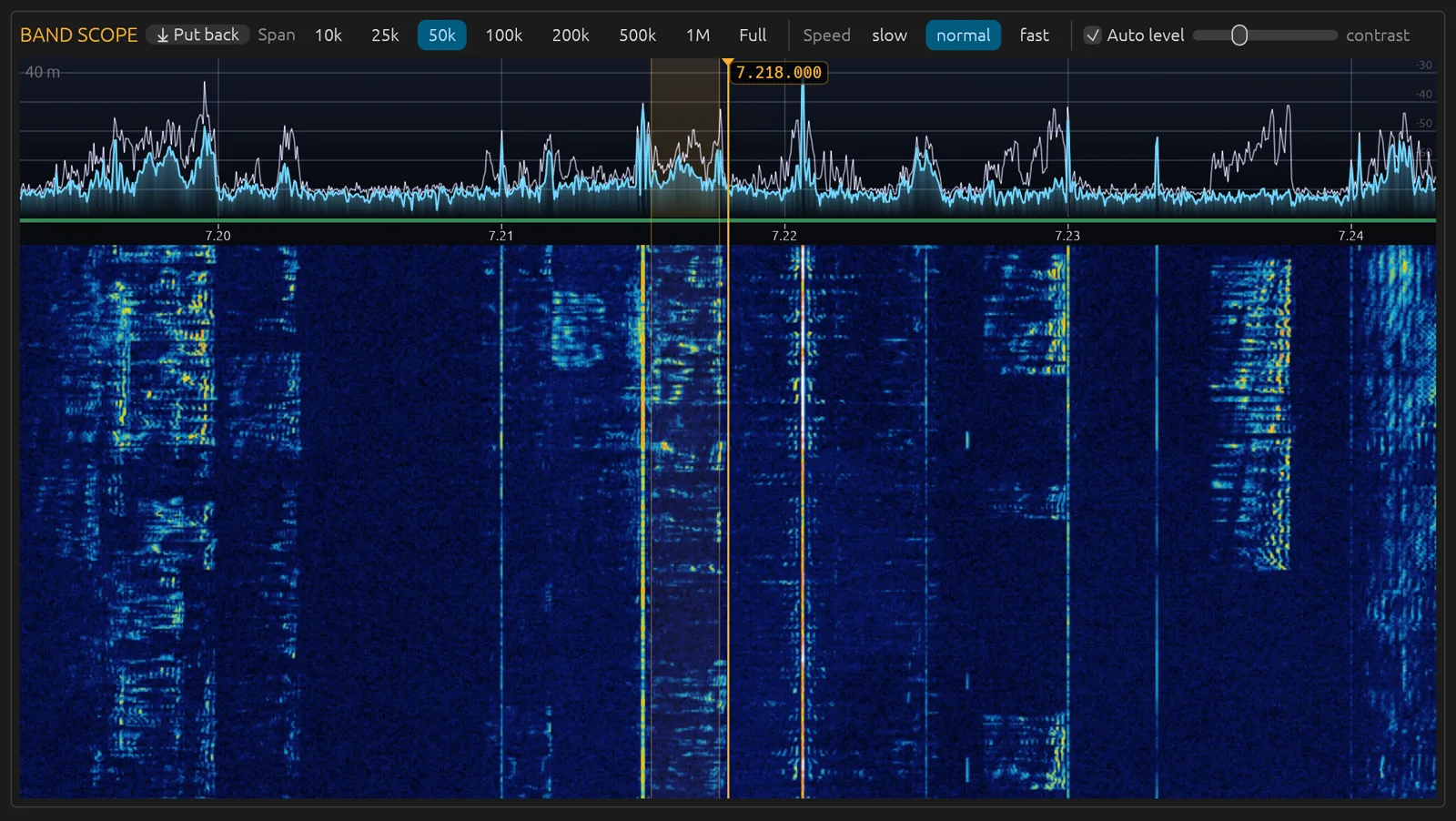
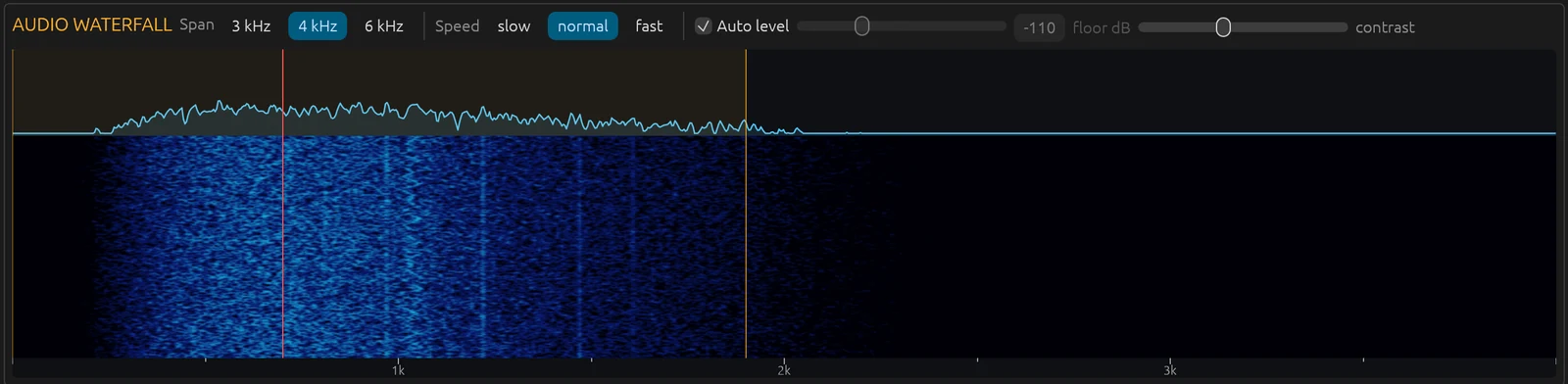
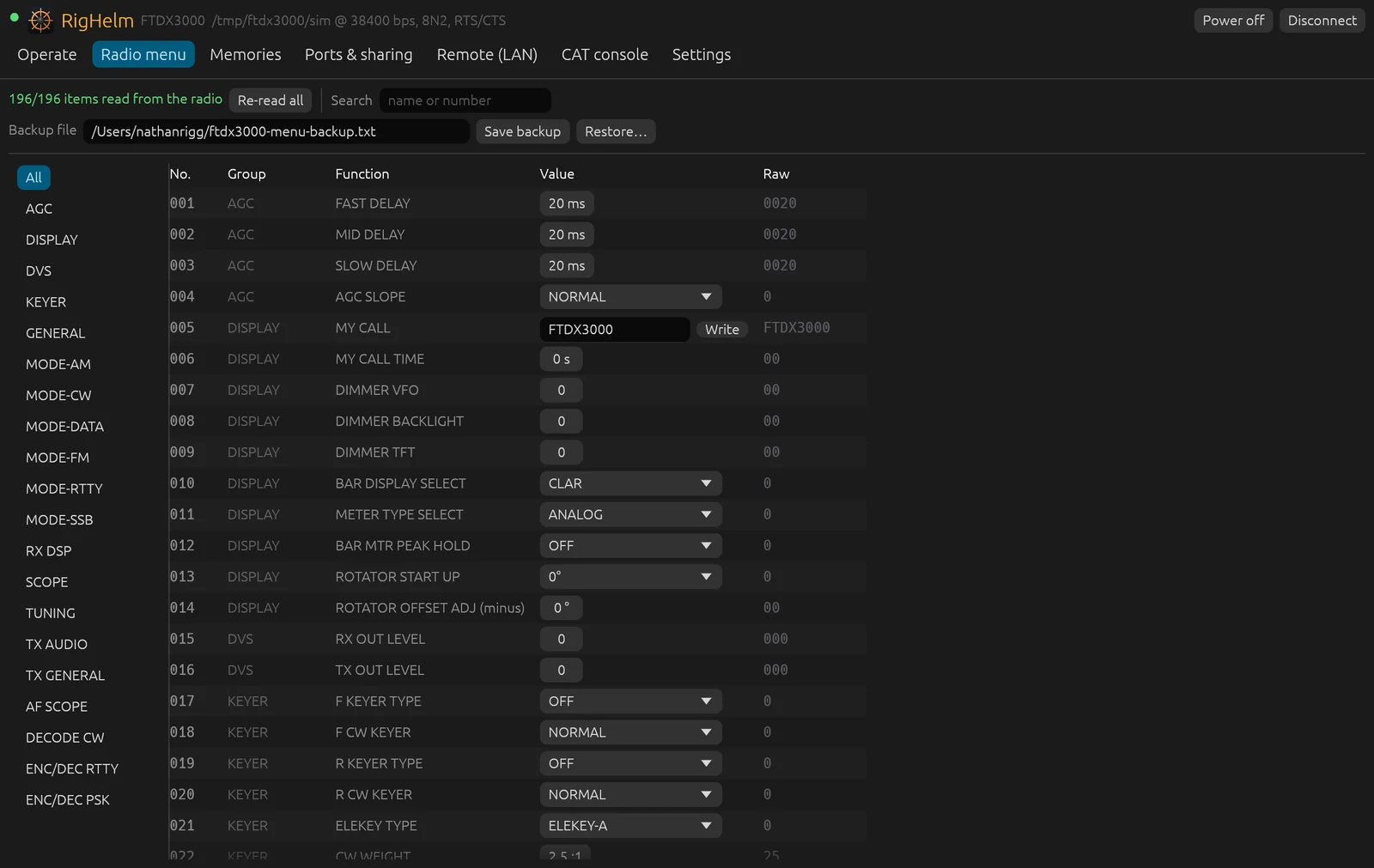
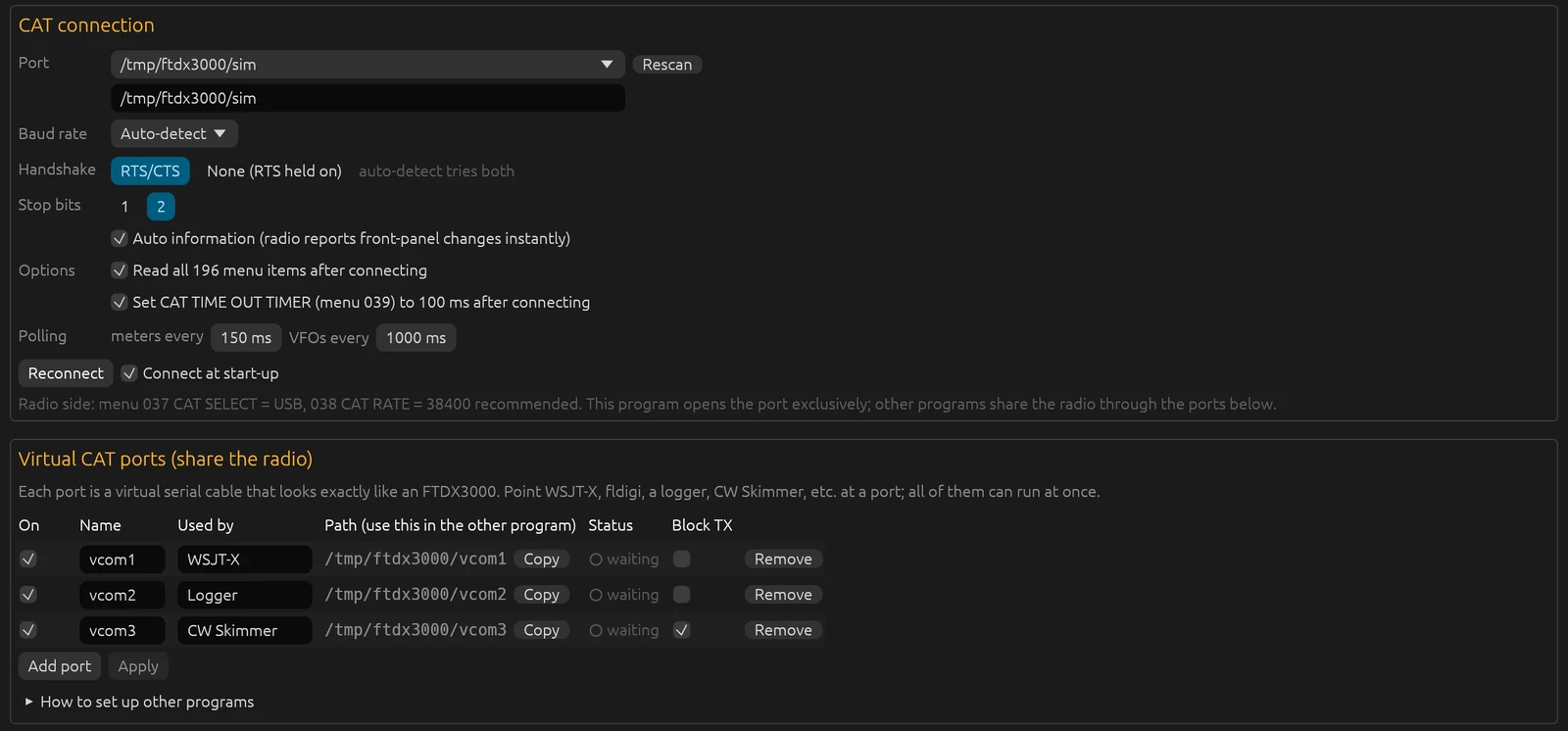
Screenshots on a Mac. Operate and the band scope are from v0.2.5 and the waterfall from v0.1.0, all with a real FTDX3000; the menu and sharing shots are from v0.1.0 with RigHelm's built-in FTDX3000 simulator. Click one to see it full size.
Latest: RigHelm v0.2.14 (testing)
Install the radio’s USB driver first: the Silicon Labs CP210x driver from Yaesu’s or Silicon Labs’ site. RigHelm tells you if a driver is missing. Then, in PowerShell:
cd $HOME\Downloads
Expand-Archive righelm-v0.2.14-windows-x86_64.zip -DestinationPath . -Force
powershell -ExecutionPolicy Bypass -File .\righelm-v0.2.14-windows-x86_64\packaging\install-windows.ps1
That installs RigHelm for your user, with Start menu and desktop shortcuts; no administrator rights needed. Test builds aren’t signed yet, so if Windows SmartScreen warns, choose More info → Run anyway. Allow RigHelm through Windows Firewall if you use LAN remote. Sharing the radio with WSJT-X or a logger over a COM port needs com0com; programs that support Hamlib NET rigctl (127.0.0.1:4532) need nothing extra. The band scope’s RTL-SDR dongle needs the WinUSB driver, installed with Zadig.
cd ~/Downloads
tar xzf righelm-v0.2.14-macos-universal.tar.gz
xattr -dr com.apple.quarantine righelm-v0.2.14-macos-universal   # test builds aren't signed yet
./righelm-v0.2.14-macos-universal/righelm
The first time it records audio, macOS asks to allow microphone access for Terminal. Allow it, or the waterfall and remote audio stay silent.
tar xzf righelm-v0.2.14-linux-x86_64.tar.gz
cd righelm-v0.2.14-linux-x86_64
sudo usermod -aG dialout $USER   # serial port access for CAT, then log out and back in
./righelm
On the radio, set menu 037 CAT SELECT to USB. The baud rate is detected on its own.
All of RigHelm's code is on GitHub at github.com/NR5P/righelm.
Read it, build it yourself, report bugs or send changes. It’s free software under the GNU GPL v3 or later.
To build it from source on Linux (on a Mac you only need xcode-select --install and Rust;
on Windows, Rust and the Visual Studio C++ build tools; see the README):
sudo apt install build-essential pkg-config libxkbcommon-dev libwayland-dev libgl1-mesa-dev
git clone https://github.com/NR5P/righelm.git && cd righelm
cargo build --release
./target/release/righelm
Source code · README & setup · Release notes & checksums · Report a problem · License (GPL v3)
Support on PayPal RigHelm is free and made in my spare time. If it's useful to you, a tip helps keep it going.